Capture
Save the note before asking AI
A model failure or no signal should never lose an expense. The note is stored first; manual completion is always available.
Log now, split later.
A trip-expense notebook. It saves a note, suggests structured fields, and asks the person to review before marking it ready.
I shaped the capture and review workflow, used Claude Code for implementation, and iterated through independent reviews.
1240 lunch, Asha paid, me + Ben
Synthetic example.
Four steps. The AI only appears in the first, and it never decides what is valid.
Type or dictate a note. It is saved on the device before any AI call.
See what the AI suggested next to your original text. Fix what is unclear.
Blocked until the amount, currency, payer and people are valid.
Copy a plain-text reference to enter by hand elsewhere.
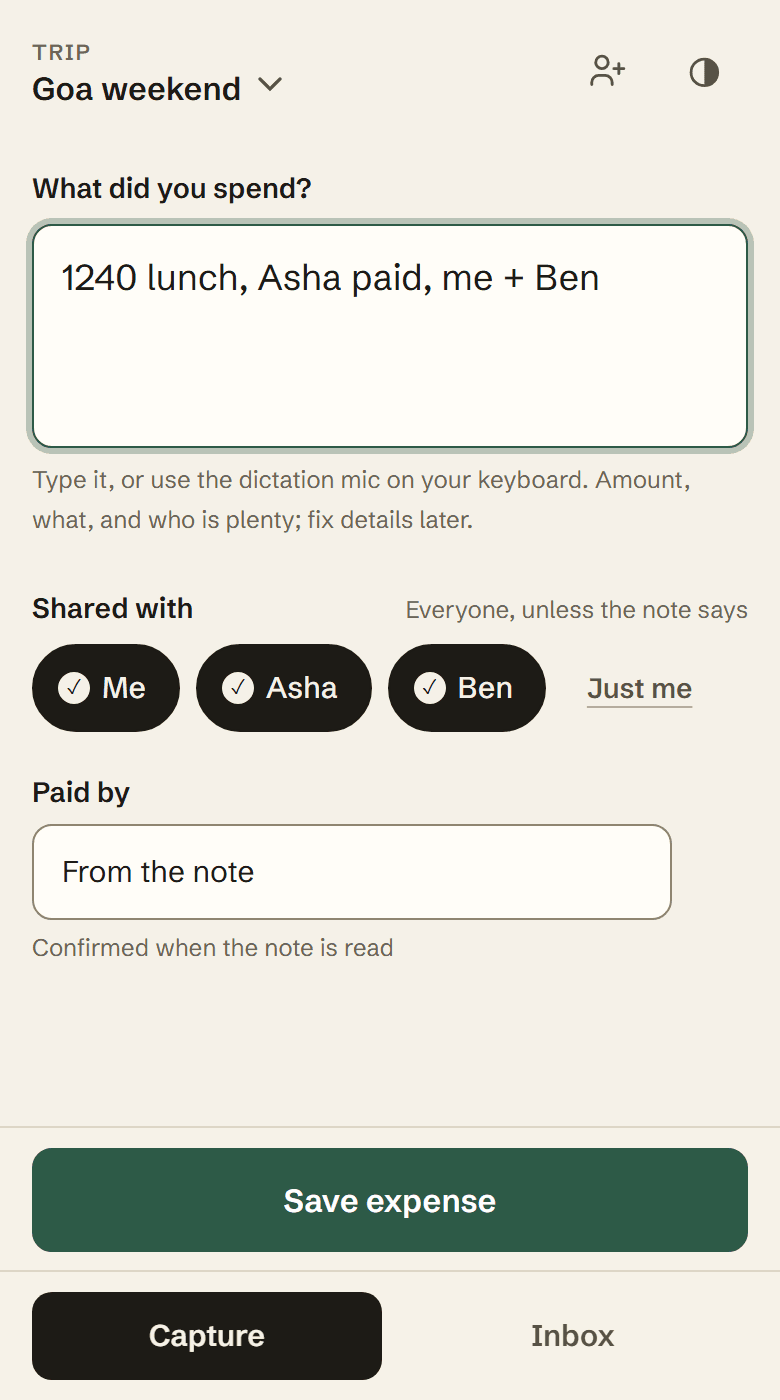
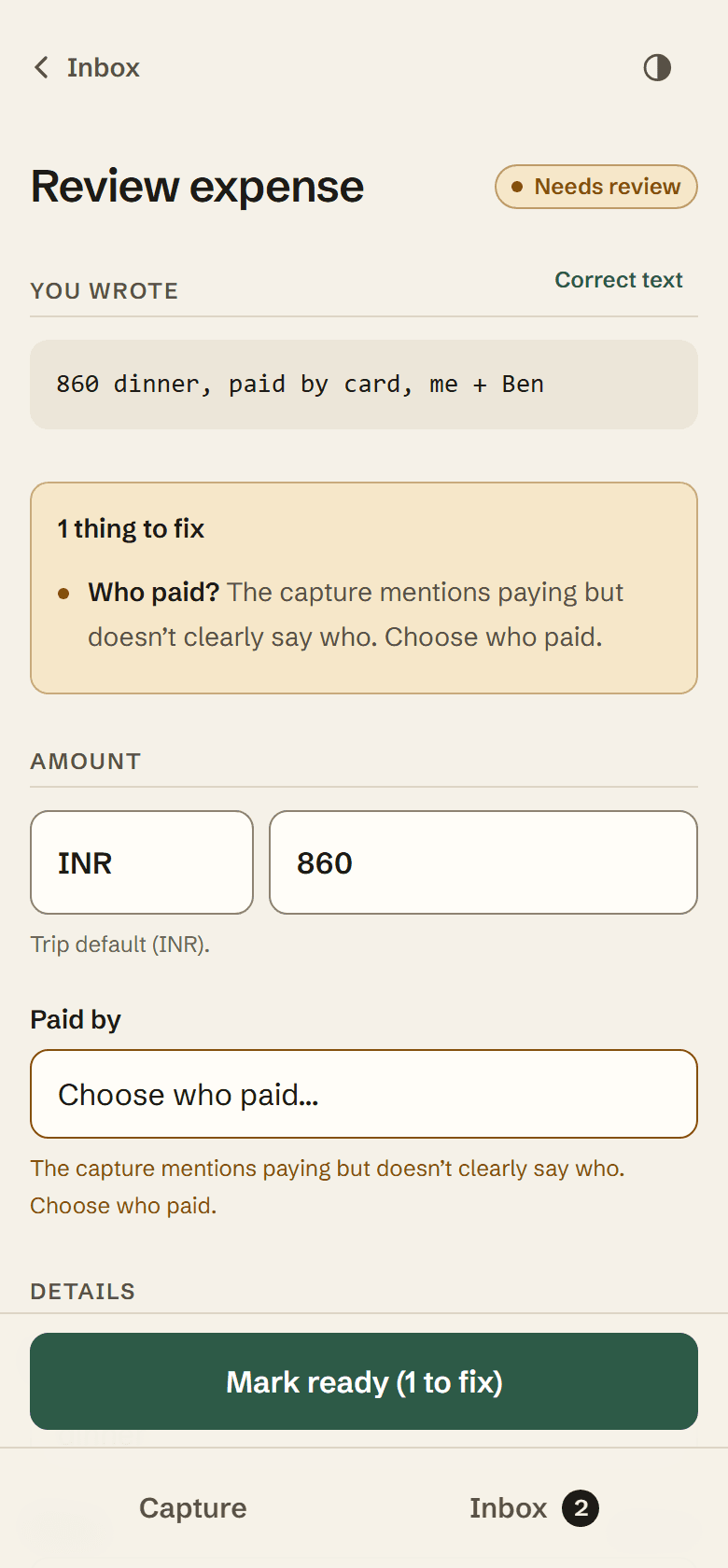
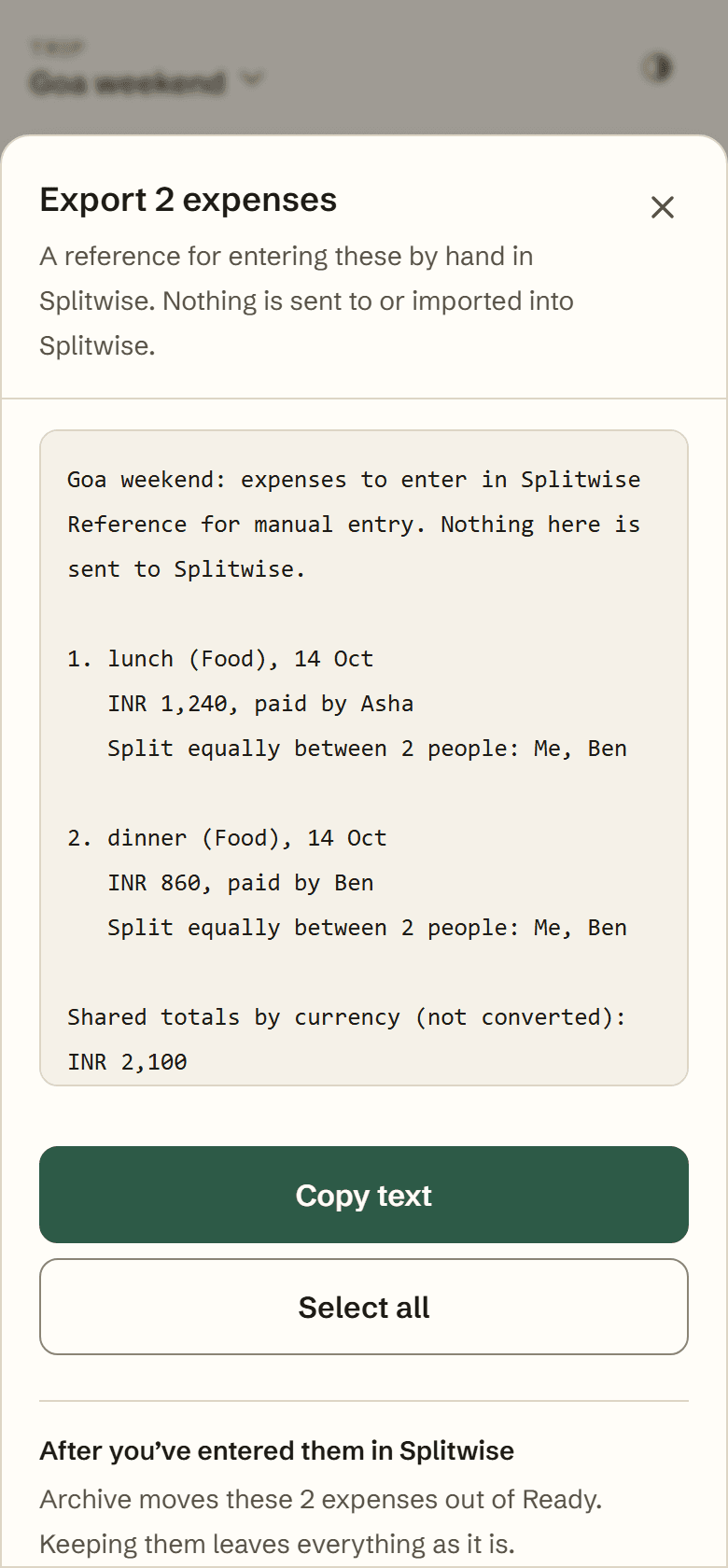
Screens are from the local product with synthetic data and a mocked reader, so no model was called.
AI suggests. The person confirms. Each decision protects that line.
A model failure or no signal should never lose an expense. The note is stored first; manual completion is always available.
Unclear payers or currency are flagged, not guessed. A field the person corrected by hand beats any later AI result.
Invalid amount text stays a draft instead of becoming a wrong number. Export re-checks each expense and leaves out anything that changed.
A failed save is kept on the device so it can be offered again. The question was what happens to it when a newer correction saves.
The save fails. The edit is kept on the device as unsaved.
This save succeeds. It is now the person’s latest intention.
Once ₹1,400 saves, the older ₹1,300 recovery disappears. It can no longer be offered, so it cannot overwrite ₹1,400.
Values are synthetic. The lesson: when something goes wrong with money, recovery should never quietly bring back an older answer.
Capture, validation, export and recovery paths were independently checked with synthetic data and mocked AI responses. Live-model extraction accuracy has not yet been measured.
The redesign and recovery work is pushed to main (f9ac3aa). This page does not claim a particular deployment.